Processes can emit messages (information, warnings, errors, critical errors), for example when a limit is exceeded.
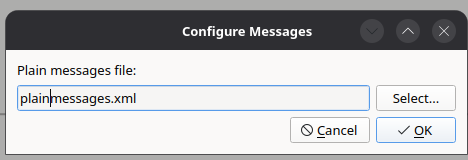
The texts of the messages are defined in a plain messages file, which is configured per data source via Configure messages... in the context menu of the data source. The path is stored relative to the layout file. Translations are selected according to the language of the user interface.
Show messages... in the context menu of a data source shows the messages of that data source.

The Messages dock combines the messages of all connected data sources. With Show Historic Messages, messages that are no longer active are displayed as well.
