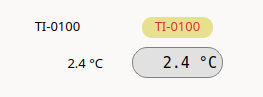
The appearance of Testmanager layouts can be customised with Qt stylesheets, whose syntax is similar to CSS.
Stylesheets can be defined on three levels:
| Level | Where | Applies to |
|---|---|---|
| Global | Options → Global stylesheet... | All tabs of the layout |
| Tab | Context menu of the canvas | All widgets of the tab |
| Widget | Context menu of one or more widgets | The selected widgets |
More specific stylesheets override general ones.
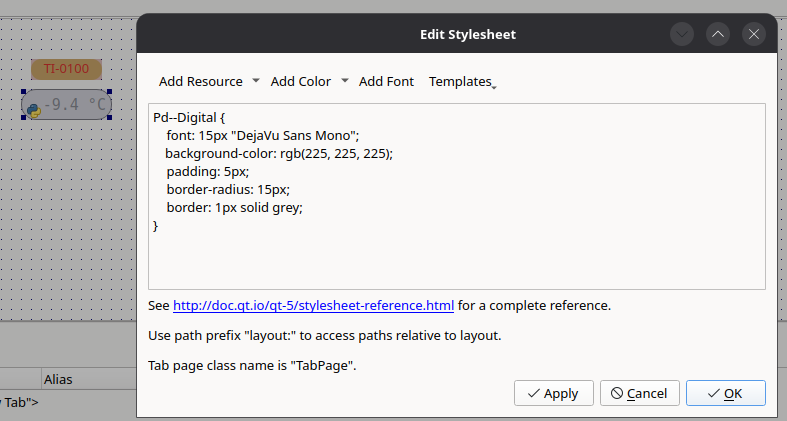
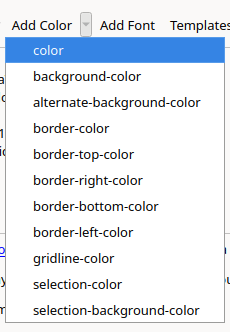
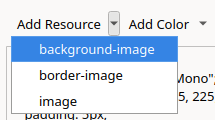
The tool bar of the editor helps inserting:
background-image, border-image and
image,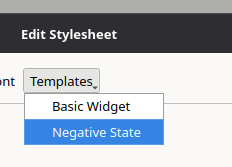
Widgets are selected by their class name. As the class names of the
QtPdWidgets contain the namespace Pd::, which is not valid
in stylesheets, the double colon has to be replaced by two dashes:
Pd--Bar {
    background-color: white;
}
Testmanager provides the following special classes:
| Class | Description |
|---|---|
TabPage |
The canvas of a tab |
Legend |
The legend of a widget |
Images inserted via the editor are referenced relative to the layout
file using the layout: prefix, so the layout directory can
be moved as a whole:
QLabel#logo {
    image: url(layout:images/logo.svg);
}
Rules can depend on dynamic properties, which can be set from Python scripts (see Python Scripts):
QWidget[negative=true] {
    color: red;
}