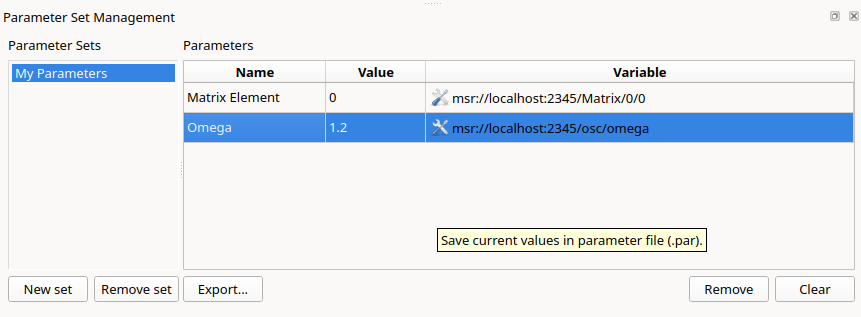
A parameter set is a named collection of parameters. Parameter sets are stored in the layout. They allow to save the current values of the parameters to a file and to restore them later.
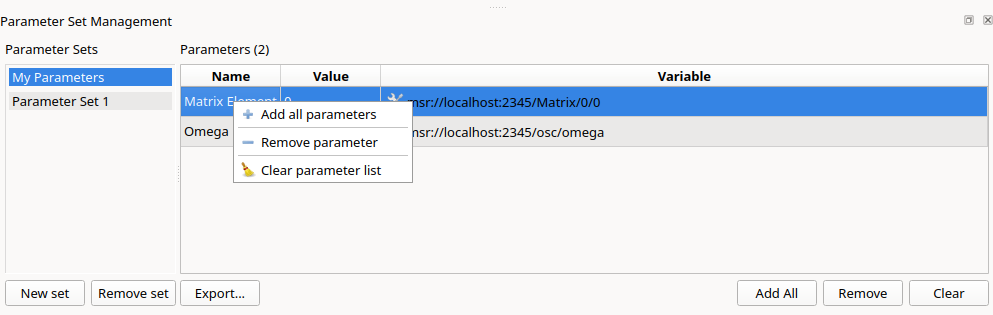
Open the Parameter Sets dock and create a new set with New set. Add parameters by dragging them from the data source tree into the set. When dragging a folder or a whole data source, all parameters below it are added. The context menu offers Add all parameters of all connected data sources.
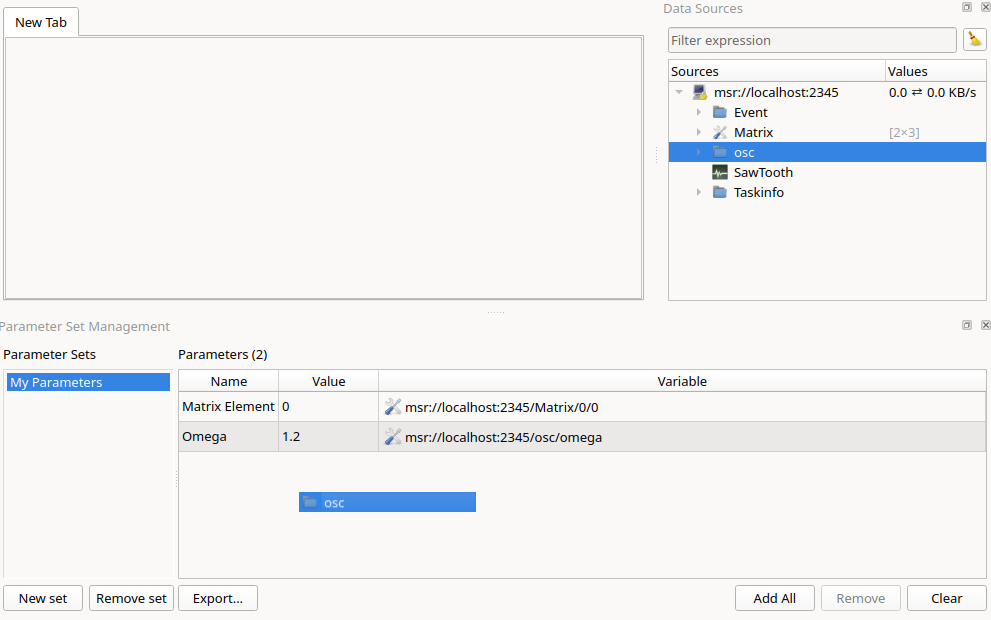
The number of parameters of a set is shown in its title and tooltip.
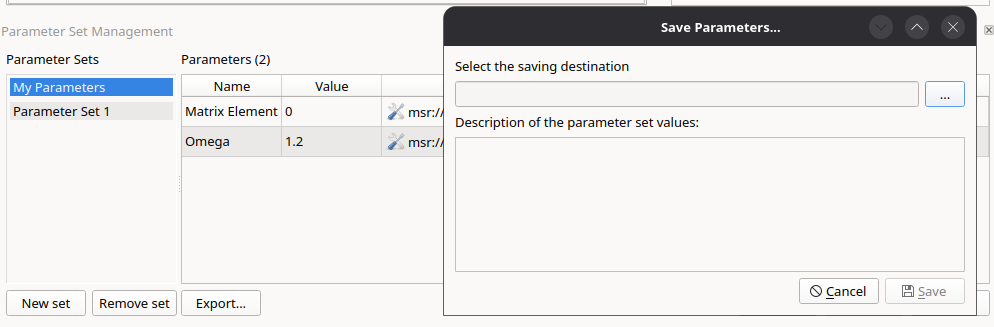
Export... saves the current values of all parameters
of the set to a parameter file (*.par), together with a
description.
Load Parameter File... opens a parameter file and shows the stored and current values side by side, together with the meta data (creator, creation date, description). Apply writes the stored values to the process.
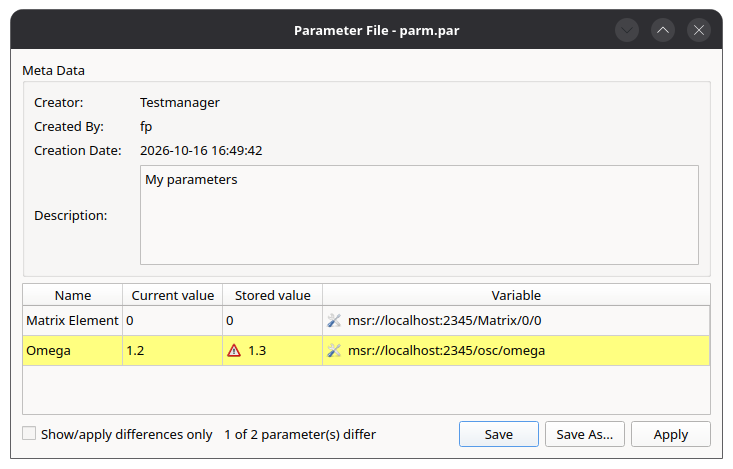
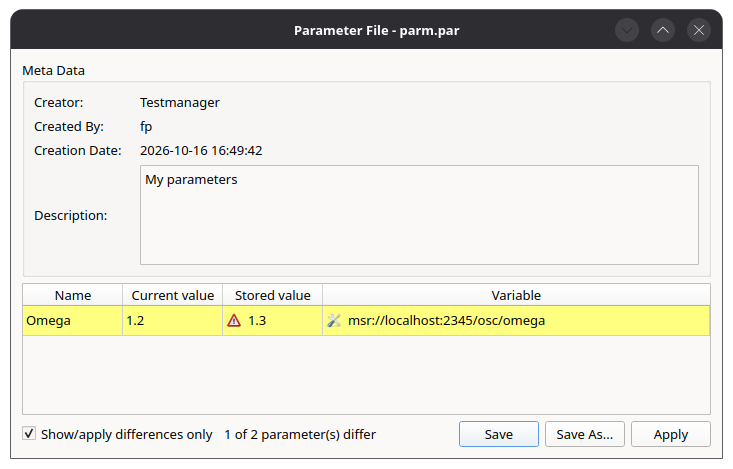
With Show/apply differences only, only the parameters whose stored value differs from the current value are shown and written.
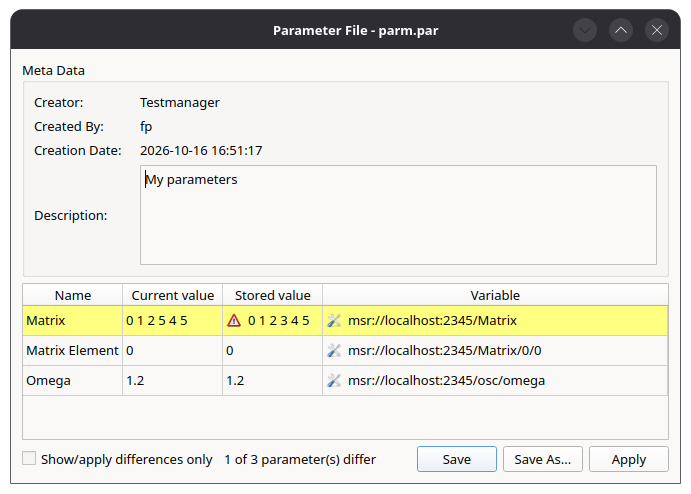
Vector and matrix parameters are displayed and edited as tables.
The ParameterSetWidget allows operators to load parameter files directly from the layout.
