The arrangement of tabs and widgets, their connections to process
variables, stylesheets, scripts and parameter sets are stored in a
layout file with the extension .tml. Use
File → New, Load...,
Save and Save As... to manage layouts.
Recently used layouts are listed under File → Recent
files.
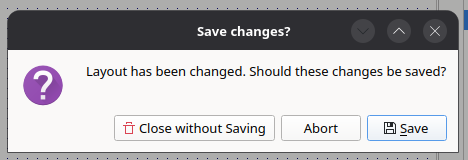
When closing Testmanager or loading another layout, Testmanager asks whether unsaved changes should be stored.
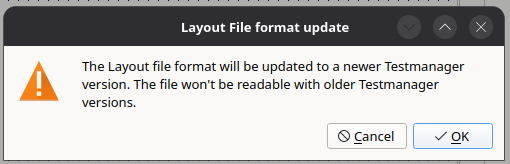
Layout files of older versions are converted automatically when they are loaded. Testmanager informs about this, because older versions will not be able to read the file after saving.
Tip
Resources like images and message files are referenced relative to the directory of the layout file. Keep them together with the layout, for example in a version-controlled directory.
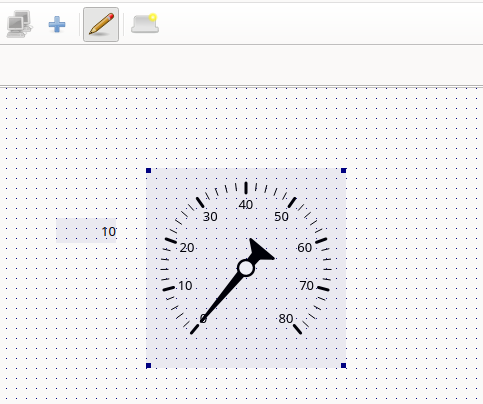
Testmanager has two modes: In operation mode, the widgets can be used to observe and change process values. In edit mode, widgets can be added, moved, resized and configured. Toggle the edit mode with Edit Mode in the tool bar or the Options menu.
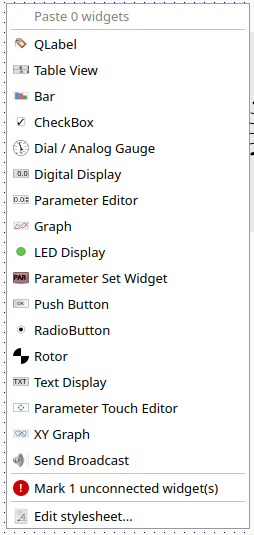
Right-click on an empty area of the canvas to add widgets, paste widgets from the clipboard, edit the stylesheet of the tab or mark all widgets that are not yet connected to process variables.
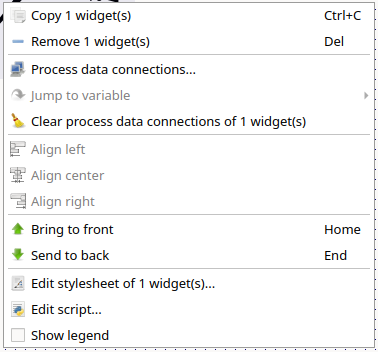
Right-click on a widget to copy or remove it, edit its process data connections, jump to its variables, align it, change its stacking order, edit its stylesheet or script, or show its legend.
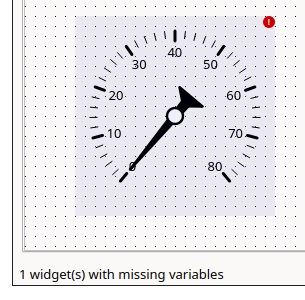
In edit mode, widgets that are not yet connected to any process variable are marked (see the figure below). The status bar reports the number of unconnected widgets and of widgets whose variables could not be found in the connected data sources.
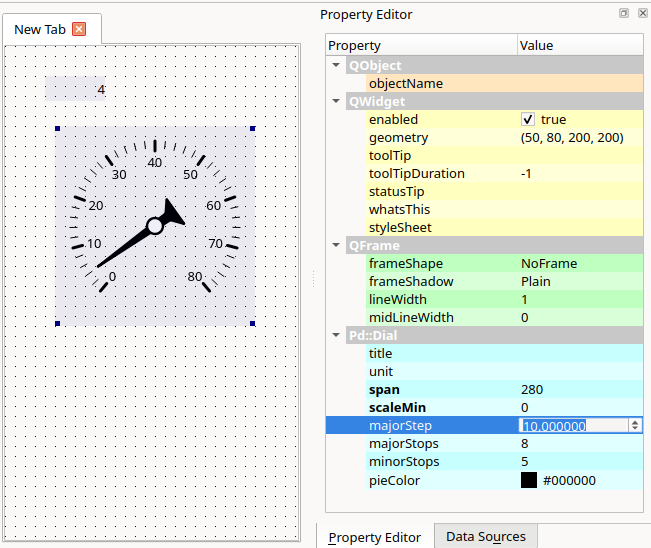
The Property Editor dock shows the properties of the selected widget. Changes are applied immediately. Right-click a property and select Reset to restore its default value.
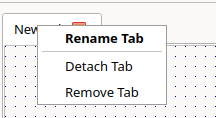
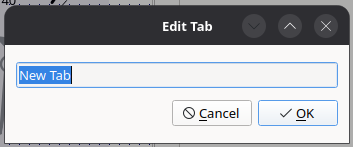
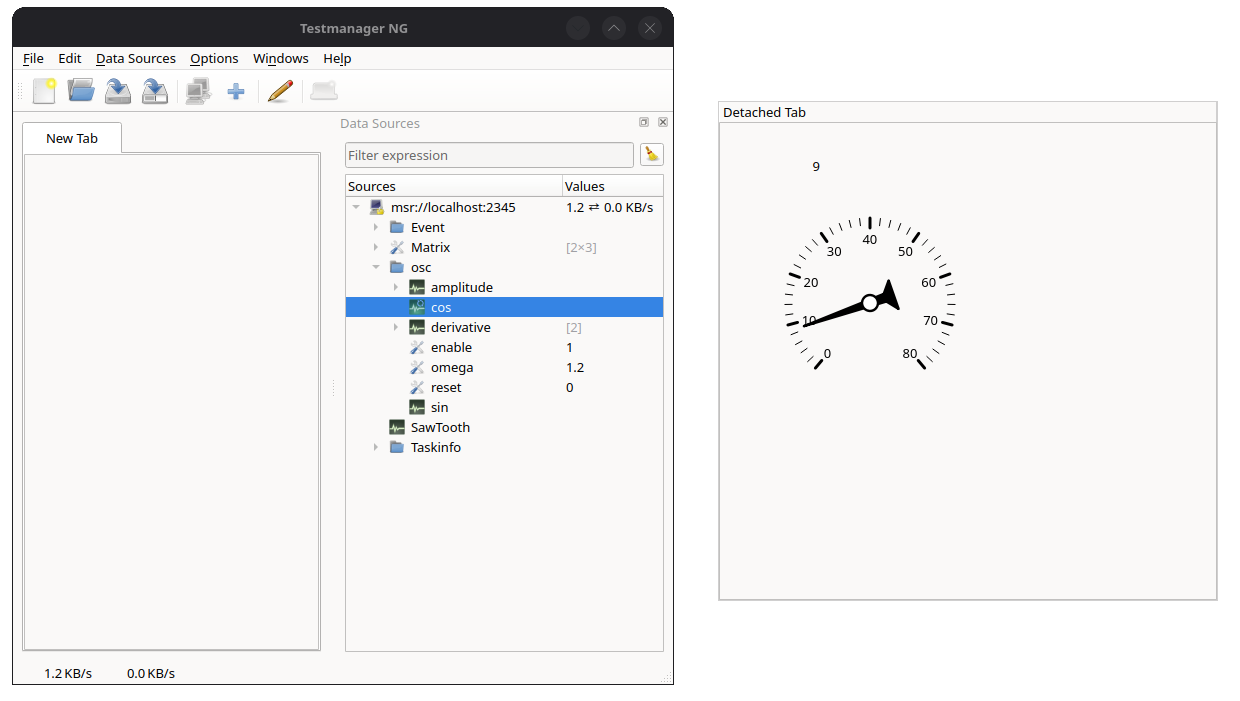
A layout consists of one or more tabs. Use Add Tab to create a new tab. The context menu of the tab header allows to rename, detach or remove a tab. A detached tab is shown in a separate window, which is useful for setups with multiple screens.